


Amazon is a noisy place. You have a great cover and a tight blurb, but readers are still bouncing. Why? Because a text-heavy product description feels like homework.
A+ Content – that “From the Publisher” section – is your chance to stop the scroll. It’s not just “extra pictures.” It’s a conversion engine. Research shows even basic implementations can bump sales by 5% to 8%, while premium setups can push that to 20%.
Here is how you actually use it.
The Psychological Hook: Solving “Buyer Friction”
Shoppers are cynical. They have three silent questions when they land on your book:
Is this professional?
Does it actually fit my genre?
Is it worth the money?
A+ Content answers these visually. If you write a thriller but your page looks like a lifestyle blog, you’re losing readers. You need “emotional anchoring” – imagery that matches your cover’s soul.
The Technical Specs (Don’t Guess Here)
Amazon is rigid. If your pixels are off, your content will look like a blurry mess on mobile – which is where 70% of your traffic lives.
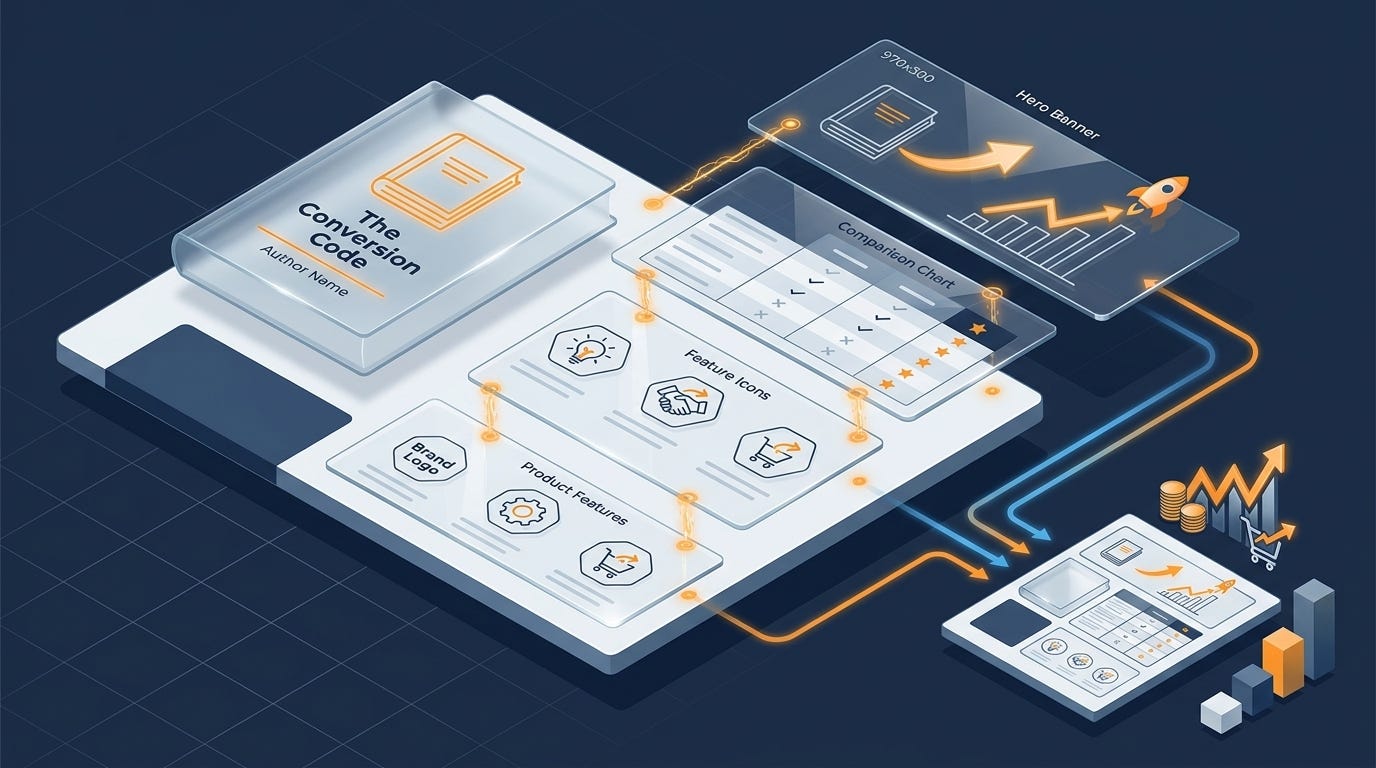
The Hero Banner (970 x 300px): This is your movie trailer. It’s the vibe-setter.
The “Instagram” Highlight (220 x 220px): Perfect for square quotes or award badges.
The Three-Image Spread (300 x 300px each): Use these to show the interior. If you write journals or planners, this is your only way to show the “Look Inside.”
The Comparison Chart: This is your upselling engine. Use it to show the rest of your series.
Pro Tip: Design at double the resolution (e.g., 1940 x 600px) and save in RGB. CMYK files meant for print will look like neon garbage on a smartphone screen.
Genre Blueprints: What Readers Want
Don’t guess what to put in your modules. Follow the “buy triggers” for your specific genre.
Fiction: The “Movie Trailer” Approach
Romance: Don’t just show the couple. List the tropes. “Slow-burn,” “Enemies-to-lovers,” “Fake dating.” Readers shop by trope.
Fantasy/Sci-Fi: Show the map. If you’ve spent months world-building, prove the scale of your epic. Use a character carousel to introduce the crew.
Thrillers: Use atmospheric mood shots. Think shadows, rain-slicked streets, or a “clue” graphic that piques curiosity without spoilers.
Non-Fiction: The “Authority” Approach
Business/Self-Help: Show the map to success. Infographics of your “30-day plan” or “5-step framework” prove your method works before they even buy.
Memoirs: This is about you. Use personal photos or “mission” statements to build a bridge between your life and their interest.
The “Banned List” (Avoid the Rejection Loop)
Amazon’s moderation team is ruthless. They’ll reject your hard work for a single “salesy” word.
Never include:
Pricing Talk: No “Cheap,” “Free,” “Bonus,” or “On Sale.”
Purchase Commands: No “Buy Now” or “Add to Cart.”
Time-Sensitive Claims: No “New,” “Latest,” or “Best of 2024.”
Customer Reviews: You can use four editorial blurbs (from Kirkus, etc.), but you cannot quote your Amazon reviews.
Contact Info: No URLs, QR codes, or email addresses. Amazon wants them to stay on the page.
The Secret Weapon: The Comparison Chart
If you have more than one book, you need the comparison chart. It prevents “leakage.”
Instead of a reader bouncing back to the search results because Book 1 didn’t look right, the chart shows them Book 2 and 3. Use the rows to compare “Heat Level,” “Action vs. Mystery,” or “Protagonist Type.” It keeps the reader in your ecosystem.
How to Build It Fast
You don’t need a degree in Photoshop.
BookBrush: They have a “Stacker” tool specifically for A+ banners. You can drop your cover into a template and be done in ten minutes.
Canva: Use it for “lifestyle mockups.” Put your book cover on a 3D tablet or in the hands of someone sitting in a coffee shop. It makes the digital product feel real.
Final Check
Before you hit submit, look at your banner on your phone. If the text is smaller than 30pt, nobody can read it. It’s better to have a beautiful image with zero text than a cramped graphic that causes eye strain.
Build your “Brand Story” first. If you have that on every book, Amazon might unlock “Premium A+” for you, giving you access to video and interactive hotspots for free.
This is very helpful. I added my A+ content and love how it adds a personal touch to the Amazon page for my books.
I have been meaning to do this but it keeps falling off the list, so thank you for the reminder and an excellent summary. I will actually stick this in the diary to do next week.